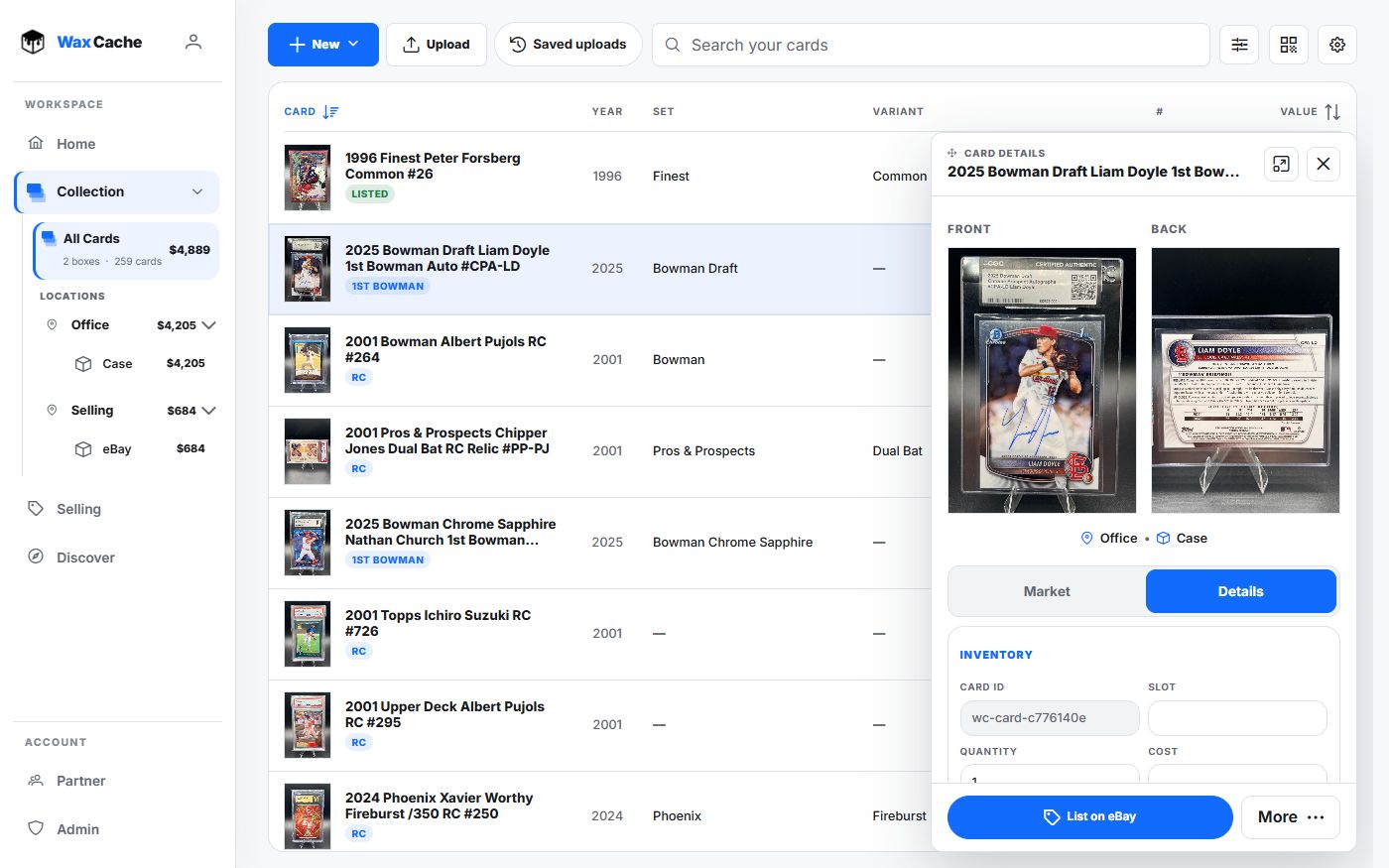
Select the right scope
- 1
Open the relevant box or All Cards
CollectionBox / All CardsStart in the view that contains the cards you want to change together.
- 2
Enter selection mode
Select cardsWax Cache adds row checkboxes and shows batch actions after cards are selected.
- 3
Choose only cards that share the same decision
Row checkboxesDo not batch edit cards that need different destinations, conditions, notes, prices, or listing setup.
Pick the batch action
- Batch edit: move selected cards, update condition or quantity, change notes, or delete after confirmation.
- QR labels: print scannable labels for selected cards.
- Prepare eBay listings: prepare separate reviewable eBay drafts for at least two selected cards, then resume and publish from Selling.
- Create lot: group selected cards into a lot-oriented selling workflow.
Review before applying
The larger the batch, the more important the preview. Check selected count, destination, condition, notes, policies, listing state, and export status before applying a large or marketplace-facing change.
Export first before any large destructive batch or any workflow that changes seller state.
FAQ
Can I batch move cards between boxes?
Yes. Use Select cards in Collection, choose Batch edit, and move the selected cards to the correct destination box after confirming the selected count.
Can batch actions create eBay listings?
Free and Hobby include bulk seller workflows such as Prepare eBay listings and Create lot. Review card photos, prices, title, policies, and publish blockers before listing. Free includes 5 newly listed physical cards per month, including quantities in lots and batches.