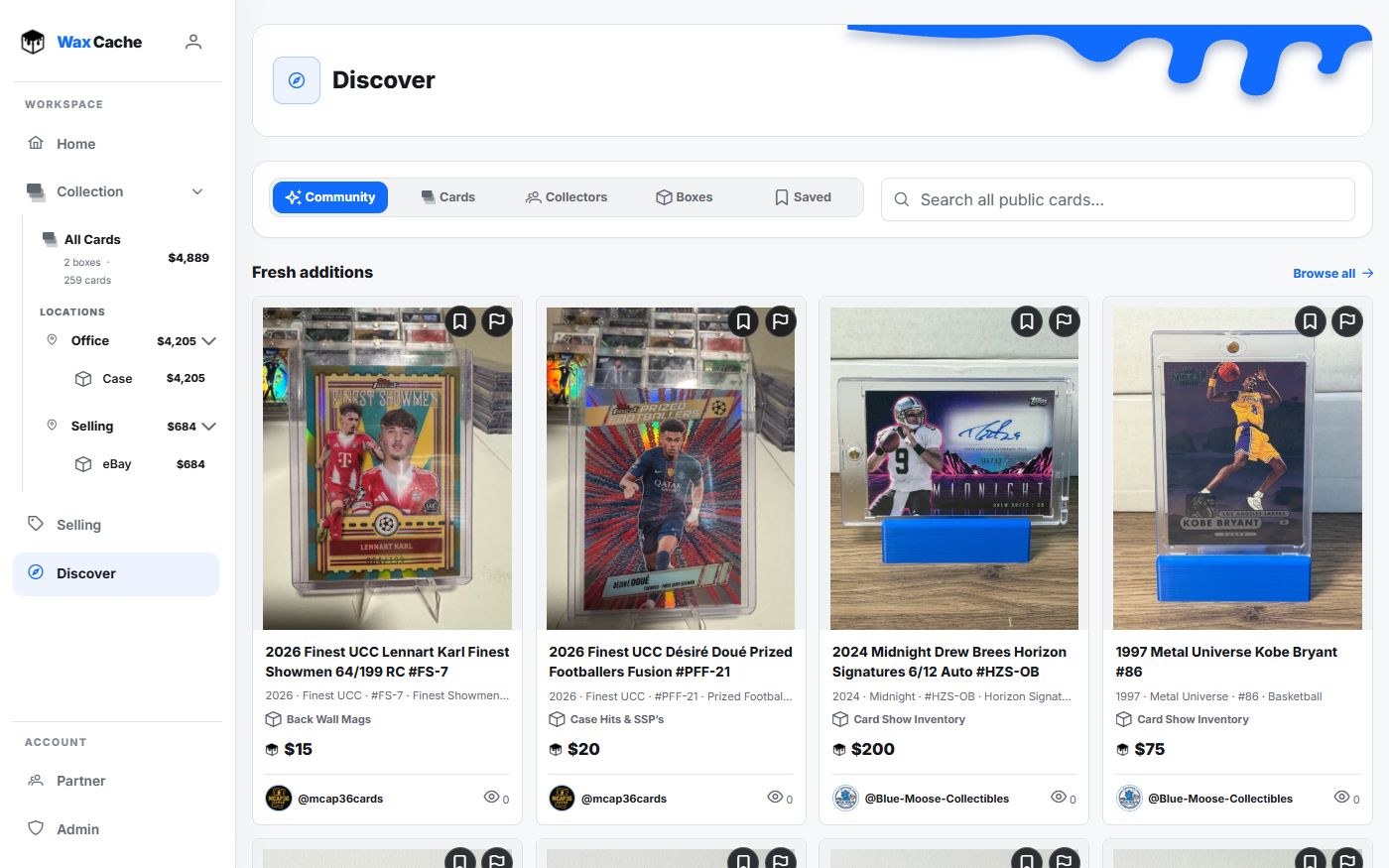
Choose public settings deliberately
- 1
Open public controls
ProfileProfileMake collection public is on the Profile tab. Review visibility before sharing.
- 2
Enable collection visibility
Make collection publicTurn this on when you want profile or shared collection surfaces to be discoverable.
- 3
Inspect the public view
Public linkCheck the visible photos and details before sending the link to a buyer or trade partner.
- 4
Share a box
BoxCopy public linkSend the read-only link or attach a public QR label for show tables, buyers, appraisers, or friends.
Use public pages for the right jobs
- Send a curated box to a buyer or trade partner.
- Show inventory at a card show without handing over private account access.
- Share a read-only collection view for insurance or appraisal context.
- Let friends or community members browse public boxes when you want discovery.
Remember that public means public
Only publish cards, images, values, notes, and box names you are comfortable sharing. Keep private locations or sensitive notes out of public-facing records.
FAQ
Are public Wax Cache pages editable?
No. Public collection and box pages are read-only surfaces. Editing remains inside the signed-in Wax Cache account.
What should I check before sharing a public link?
Open the public view and review its photos, card details, and values. Only share content you intend other people to see. You can change collection visibility from Profile.